The fastest way to get consistent, on-brand pictures from an AI image generator is to write a one-page visual style guide before you generate anything, and to treat it as the input to every prompt. Without one, a team ends up with a feed of images that each look good alone but belong to different worlds: different lighting, color, level of realism and composition. This article shows how to build that guide in six parts, how to turn it into prompts, and how to review and label the results, using general practice and the published guidance of standards bodies rather than the claims of any one tool.
Why AI images drift
Image models sample from a huge range of styles. Two prompts that differ by one word can return a photograph in one case and an illustration in the other. Different people on a team phrase things differently, and the tools themselves change over time. A style guide fixes the parts you control: the vocabulary, the references and the review rules. It does not guarantee identical results, so it also needs a review step.
Designers already work this way with fonts and logos. The change is that the guide now has to be written so that a model, not only a person, can follow it. If you want a tool-by-tool overview first, our piece on AI tools for graphic designers compares workflows, and the Canva Craft case study shows how a design platform trained a model on its own templates to get consistency.
Part 1: Purpose and audience
Write two sentences: what the images are for (blog headers, product mockups, social posts) and who sees them. This decides how realistic or abstract the style can be. An image that illustrates an idea can be an illustration; an image that claims to show a product or a person must not mislead.
Part 2: Palette and light
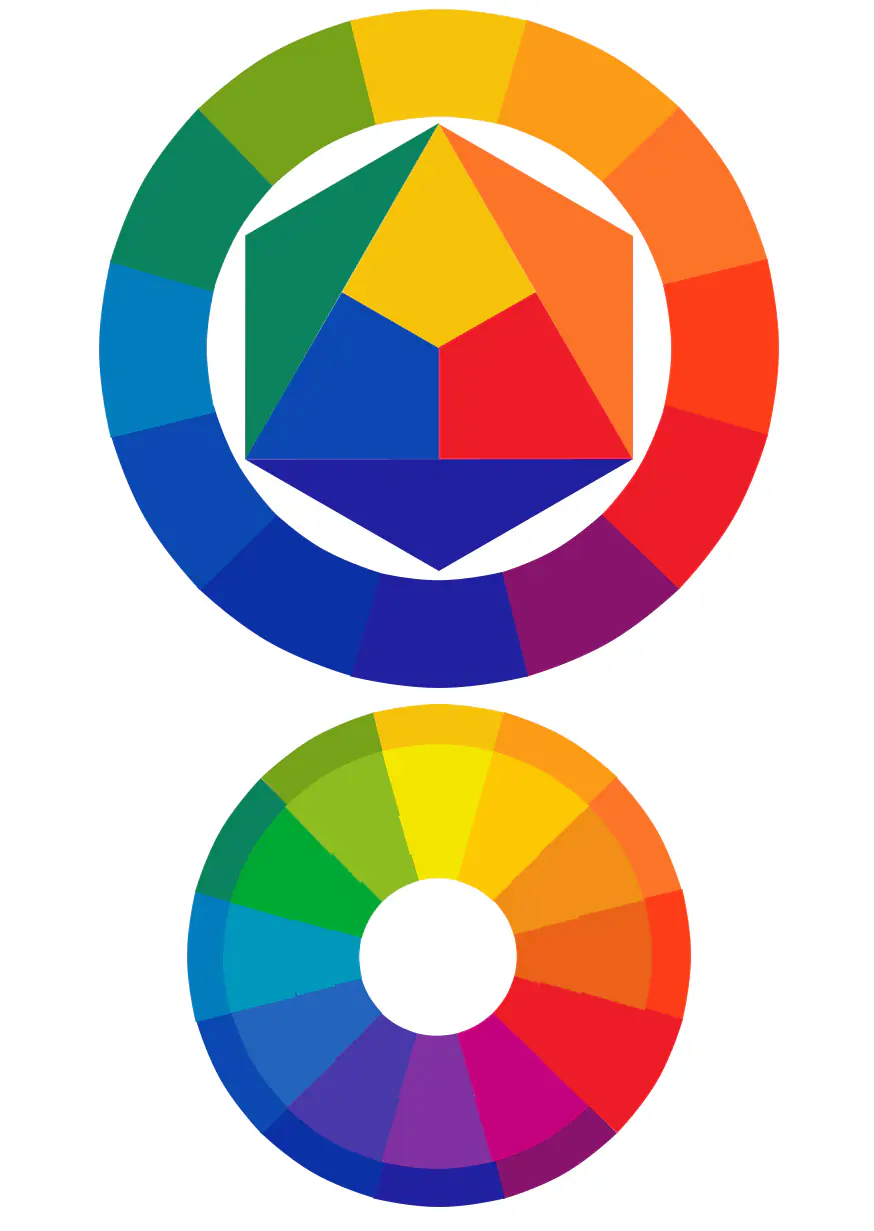
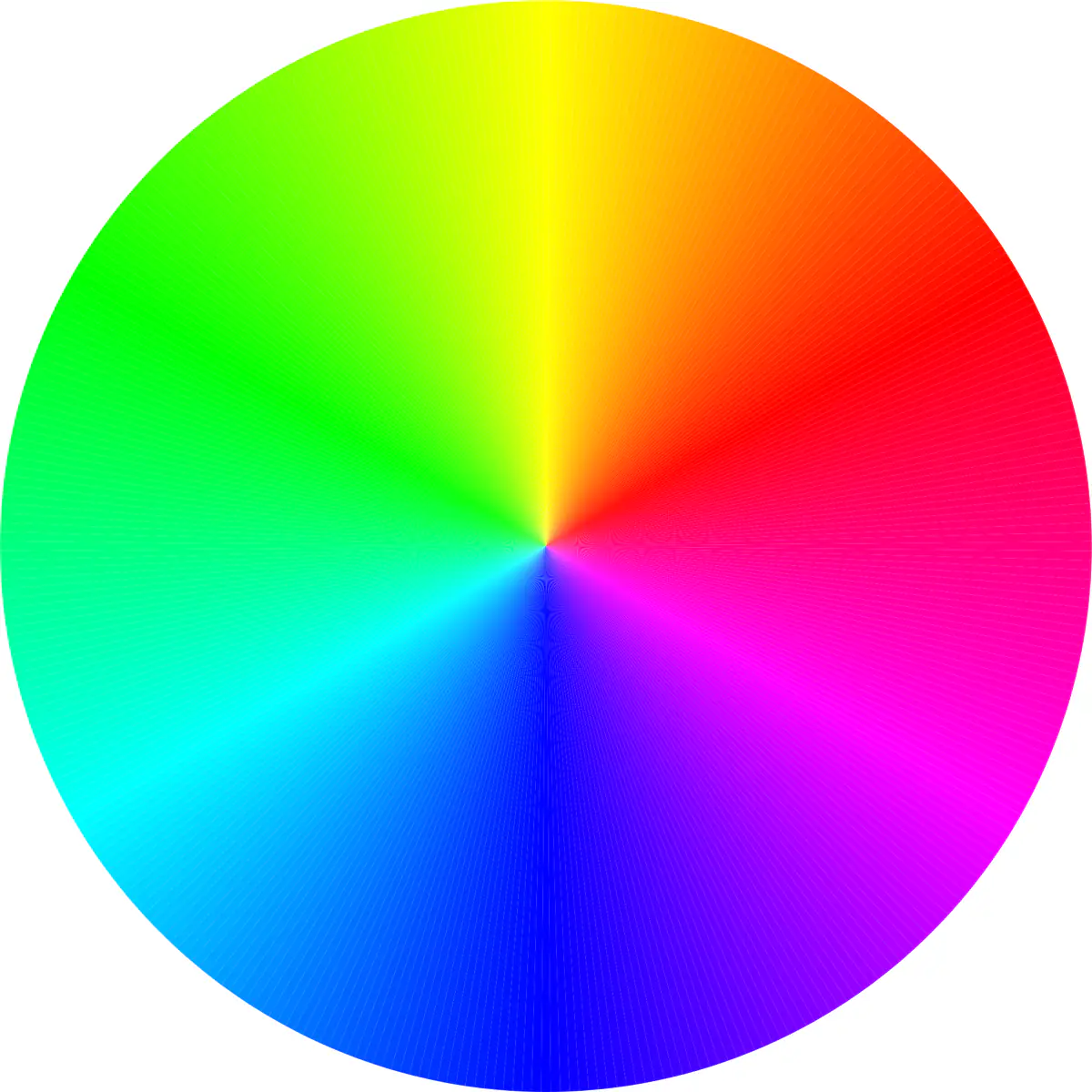
List your brand colors with hex values, then describe them in words a model understands: “warm off-white background, deep teal accent, soft diffuse daylight.” Models handle words better than hex codes alone. Add what to avoid, such as neon colors or harsh flash.
Part 3: Subjects and composition
Decide what is in frame and how it is arranged: single subject centered, wide negative space on the left for a headline, eye-level camera, no text inside the image. Include a list of banned subjects. Generated text inside images is often misspelled, so keep text out and add it in your design tool.
Part 4: Level of realism
Choose one position on the spectrum from photographic to flat vector, and stick to it. Mixing photographic people with flat icons in the same campaign looks unplanned. If a picture will be read as a real photograph, it must not be a synthetic scene presented as fact.
Part 5: Reference images and a prompt template
Collect five to ten approved images that represent the target look. Most tools let you attach reference images, and many have a way to reuse a style; check your tool’s documentation for the exact feature, as these change often. Then turn the guide into a reusable template with placeholders:
[SUBJECT], [ACTION], in [SETTING].
Style: [REALISM LEVEL], [PALETTE WORDS], [LIGHT].
Composition: [FRAMING], negative space on [SIDE]. No text, no logos.
Store the template and the approved images together so anyone on the team starts from the same base.
Part 6: Review, rights and provenance
Add a short checklist that every image passes before use:
- Does it match the palette, realism level and composition rules?
- Are there errors: extra fingers, garbled text, impossible objects, a wrong product detail?
- Does it resemble a living artist’s signature style or a protected character too closely?
- Does it show a real person or brand? If so, do you have permission?
On rights, the U.S. Copyright Office has published a multi-part report on copyright and artificial intelligence. Its Part 2 addresses the copyrightability of outputs created using generative AI. The practical consequence is that purely machine-generated images may not give you the exclusive rights you would have for human-made work, so record where a human contributed: sketches, edits, composition and selection. Our explainer on whether AI-generated work can be copyrighted goes through the details. This is general information, not legal advice; consult a lawyer for commercial projects.
On labeling, the Coalition for Content Provenance and Authenticity (C2PA) maintains Content Credentials, which it describes as a kind of nutrition label giving the history of a piece of content. Where your tools support it, keep the credentials in exported files. Google’s guidance on generative AI content also suggests sharing how content was created where it helps readers, and requires specific metadata for AI-generated product images in Merchant Center.
Putting it into practice
- Draft the guide in an hour with the six parts above.
- Generate 20 test images and mark which ones pass the checklist.
- Update the guide with what failed: add banned subjects, tighten palette words.
- Share the final one-pager with everyone who generates images.
- Re-run the test set whenever your tool releases a major model update.
What to watch next
- Wider adoption of Content Credentials in image tools and platforms.
- Further guidance from the U.S. Copyright Office, including the final version of its training-data report.
- Style-consistency features in design tools such as Figma, Canva and Adobe Firefly.
- Licensing models for training data used by image generators.
Key takeaways
- Write the style guide first; prompts follow from it.
- Describe palette, light, composition and realism in words a model can use.
- Keep text out of generated images and add it in a design tool.
- Review every image against a checklist before publishing.
- Record human contribution and keep provenance metadata where possible.
Frequently asked questions
What should an AI image style guide include?
At minimum: purpose, palette and light, subjects and composition, level of realism, approved reference images with a prompt template, and a review checklist covering rights and provenance.
Can I copyright images made by an AI image generator?
The U.S. Copyright Office’s Part 2 report addresses the copyrightability of generative AI outputs, and purely machine-generated material may not be protected. Human creative contribution matters, and a lawyer should advise on commercial use.
What are Content Credentials?
They are a provenance standard from the C2PA that attaches a verifiable history to digital content, similar to a nutrition label, so viewers can see how it was made.