Running language models on your own computer gives you privacy, offline use and no per-token bills. Tools such as llama.cpp and Ollama made it easy to download open-weight models and chat with them in minutes. The question most people then ask is: what hardware do I actually need?
Memory is the first constraint
A model must fit in memory to run at usable speed. As a rule of thumb, at 16-bit precision a model needs about 2 GB per billion parameters for its weights; at 4-bit quantization, roughly 0.5–0.6 GB per billion. Add memory for the context (the KV cache), which grows with conversation length.
| Model size | 4-bit weights (approx.) | Comfortable memory |
|---|---|---|
| 3–4B | 2–3 GB | 8 GB |
| 7–8B | 4–5 GB | 8–16 GB |
| 12–14B | 7–9 GB | 16 GB |
| 30–32B | 17–20 GB | 24–32 GB |
| 70B | 35–40 GB | 48–64 GB |
See quantization explained and GPU memory sizing for the details.
Speed: memory bandwidth matters most
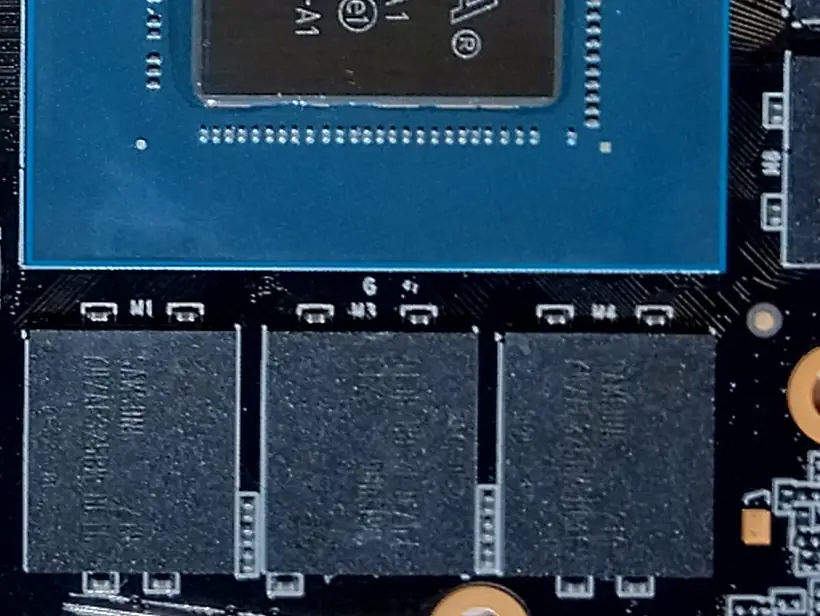
Generating each token requires reading the model’s weights from memory, so memory bandwidth largely determines tokens per second. That is why a discrete GPU with fast memory is much faster than a CPU with ordinary RAM, even for the same model.
The main options
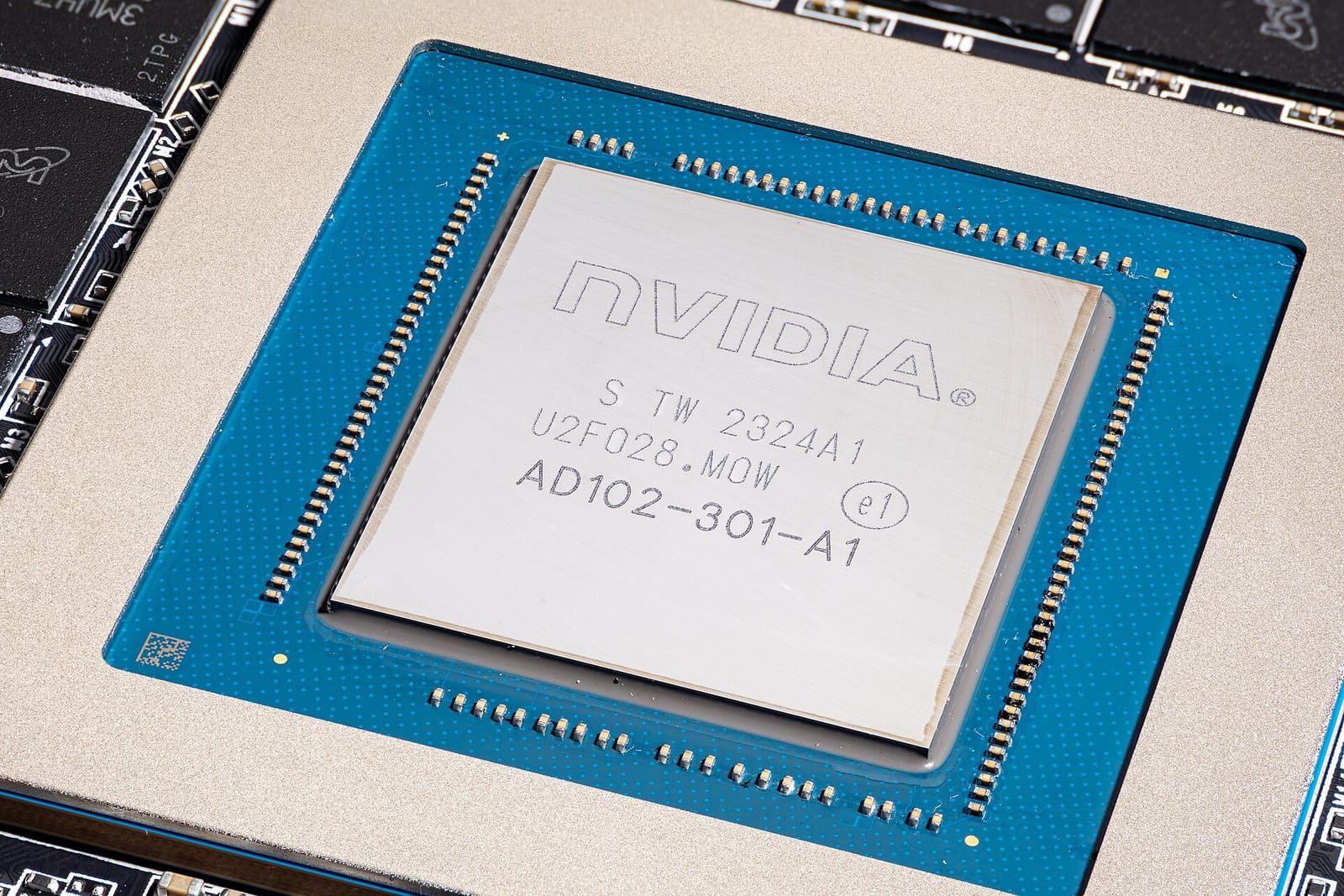
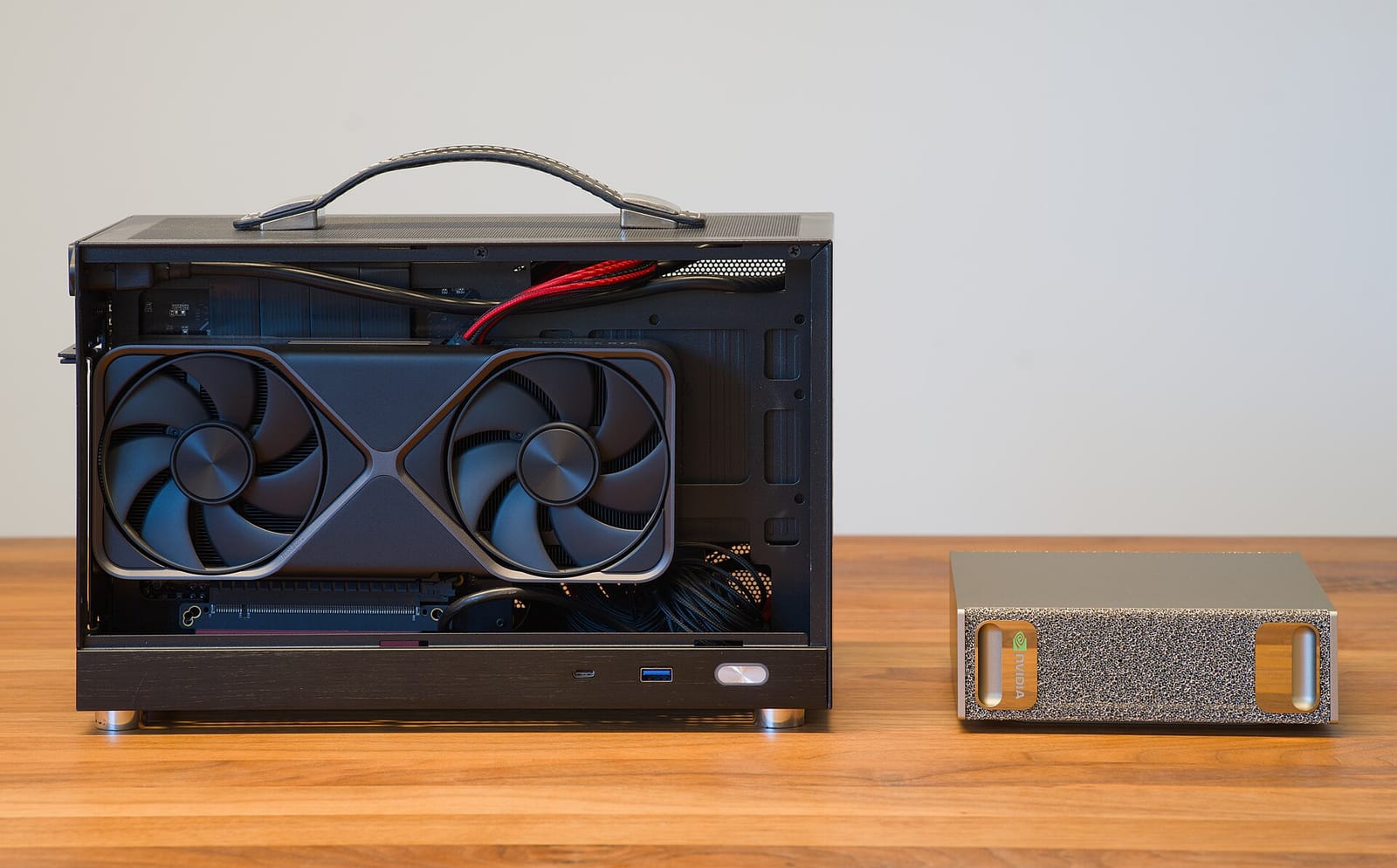
PC with an NVIDIA GPU. The most flexible choice, with the broadest software support. Consumer cards with 12–16 GB of VRAM run 7–14B models comfortably; 24 GB or more allows 30B-class models at 4-bit. Two GPUs can split larger models, with more complexity.
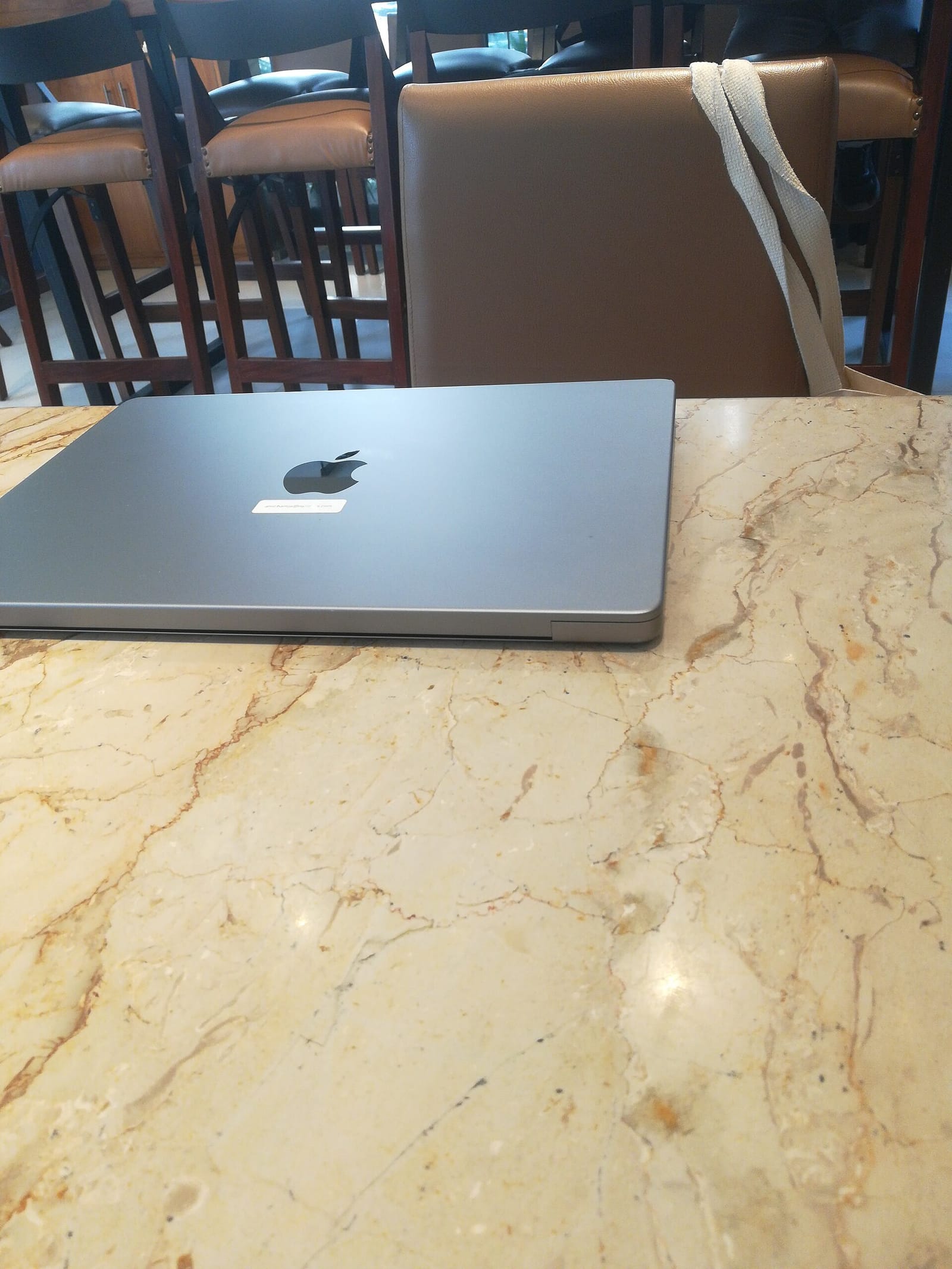
Apple silicon Macs. Unified memory lets the GPU use most of the system RAM, so a Mac with 32–128 GB can load models that would need expensive GPUs on a PC. Bandwidth is good on higher-end chips; prompt processing is slower than on top NVIDIA cards.
AI PCs with NPUs. Neural processing units run small models efficiently for features like transcription and summarization, but most local chat tools still rely on the GPU or CPU.
CPU only. Works for small models and experimentation, slowly for larger ones.
Realistic setups
- Curious beginner: any recent laptop with 16 GB RAM runs 3–8B models for drafting and Q&A.
- Daily local assistant: 16 GB VRAM GPU or a Mac with 32 GB unified memory for 8–14B models at good speed.
- Power user: 24 GB+ VRAM or a 64 GB+ Mac for 30B-class models and longer contexts.
- 70B and beyond: high-memory Macs or multi-GPU workstations; consider whether a cloud API is cheaper.
Software
Ollama provides a simple model manager and local API; llama.cpp powers many tools with efficient CPU and GPU inference and GGUF quantized models; desktop apps add chat interfaces and document search. See our Ollama guide.
Is local worth it?
Local models are excellent for privacy-sensitive drafting, coding help, summarizing your own documents and offline work. The largest frontier models remain cloud-only and stronger at hard reasoning. Many people combine both — see cloud API vs local models.
Mistakes to avoid
- Buying for compute instead of memory. A fast GPU with too little VRAM cannot load the models you want.
- Ignoring context memory. Long documents and conversations need extra memory beyond the weights.
- Expecting frontier quality from small models. Test a few local models on your real tasks before investing.
- Forgetting noise and power. High-end GPUs draw a lot of power and can be loud under sustained load.
What to watch next
- Small open models closing the gap with large ones.
- Consumer GPUs and laptops with more memory for AI.
- Better NPU support in local AI tools.
- New quantization methods that preserve quality at fewer bits.
Key takeaways
- A model must fit in memory: roughly 0.5–0.6 GB per billion parameters at 4-bit.
- Memory bandwidth largely determines generation speed.
- NVIDIA GPUs offer the broadest support; Apple silicon offers large unified memory.
- 8–14B models cover most everyday local use on mid-range hardware.
- Combine local models with cloud APIs for the hardest tasks.
Frequently asked questions
Can I run an LLM on my laptop?
Yes. Small quantized models run on most recent laptops with 16 GB of memory, slower without a GPU.
Is a Mac or a PC better for local AI?
PCs with NVIDIA GPUs are faster and better supported; Macs can load larger models thanks to unified memory.
How much VRAM do I need?
Around 8 GB for small models, 16 GB for 8–14B models comfortably, and 24 GB or more for 30B-class models at 4-bit.