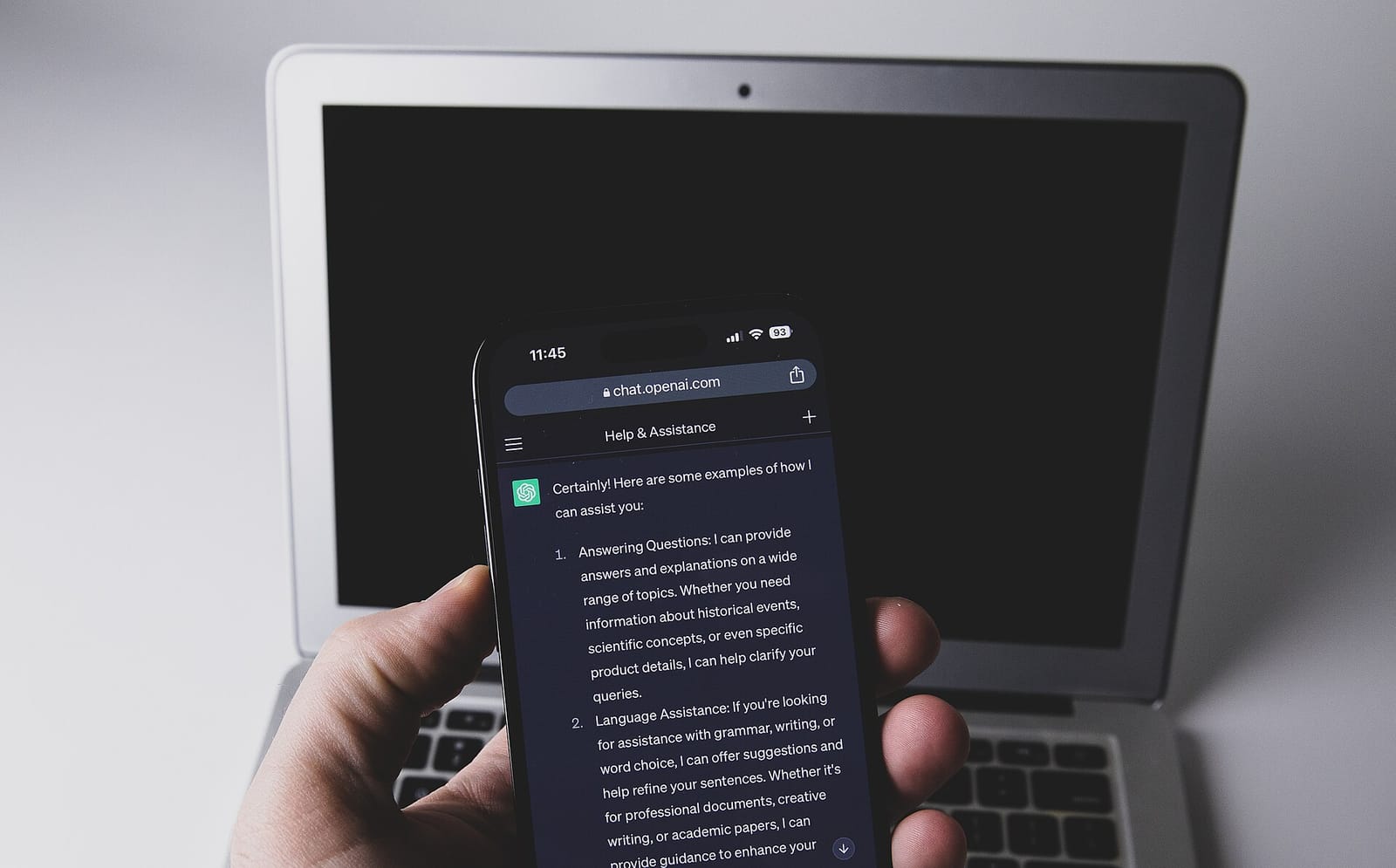
OpenAI began rolling out Locked Chats in ChatGPT on October 20, a feature that lets people protect selected conversations with a four-digit PIN or, on supported devices, Face ID or Touch ID. The company frames it as a screen-privacy tool for everyday moments, such as handing your phone to a friend or relative to show them something in a different chat. It is not a security vault, and OpenAI is explicit about that.
How Locked Chats works
A user chooses a conversation and locks it. From then on the chat moves out of the normal history and into a separate “Locked Chats” section. Locked conversations no longer appear in the regular chat list, in pinned chats or in search results. Opening the section requires the PIN or the device’s biometric check.
This differs from Temporary Chats, which vanish from history after the session. A locked chat stays available whenever you unlock it, so it suits ongoing, sensitive topics you want to return to, such as health questions, money planning or a personal project.
Separate memory
When Memory is enabled, Locked Chats gets its own memory, shared only across chats inside the locked section. New messages there can update that locked memory but cannot update the regular Memory. The practical effect is that something you discuss in a locked chat should not resurface in an ordinary conversation, for example as a personalized suggestion that someone looking over your shoulder might see.
What it does not do
The limits matter as much as the feature, and OpenAI lists several:
- Locking is not end-to-end encryption and does not create a separate encrypted vault.
- It does not change retention: how long OpenAI keeps chats is unchanged.
- It does not erase anything ChatGPT remembered before you locked the chat.
- It does not change the “Improve the model for everyone” setting.
- Resetting the PIN permanently deletes all locked chats, files and other content protected by the old PIN, so a forgotten PIN means lost conversations.
Some conversations cannot be locked at all: Temporary Chats, archived chats, group chats, chats opened from a shared link, chats with scheduled tasks and chats with meeting recordings.
Availability
The feature is available on Free, Go, Plus, Pro, Business, Enterprise and Edu plans. It is not available on ChatGPT for Healthcare. Because the rollout began on October 20, it may not yet have reached every account.
Why it matters
Chat assistants increasingly hold personal material, and people often use them on shared or visible screens. A lock that separates sensitive conversations from everyday history, and keeps their memory separate too, addresses a real day-to-day risk: casual exposure. It does not address the other kind of risk, which is what happens to the data on a provider’s servers. Those remain governed by retention and training settings, which Locked Chats leaves alone.
The launch also lands in a week when privacy controls around AI chats drew attention elsewhere. Meta paused sharing of Muse conversations after researchers found exposed share links, as we reported in our coverage of the Muse sharing pause. The two cases are different in kind, but together they show how much hinges on small design choices around visibility.
What to watch next
- Whether OpenAI adds end-to-end encryption or a stricter vault option later.
- Whether competing assistants add comparable lock or hidden-chat features.
- How the feature interacts with enterprise controls such as retention policies and legal holds.
- Any clarification of what happens to locked chats on shared or managed devices.
- User feedback on the PIN-reset deletion rule.
Key takeaways
- Locked Chats puts selected conversations behind a four-digit PIN or biometrics in a separate section.
- Locked chats have their own memory that does not feed regular Memory.
- It is a screen-privacy feature, not encryption, and does not change retention or training settings.
- Resetting the PIN permanently deletes the locked content.
- It is available on most consumer and business plans but not ChatGPT for Healthcare.
Frequently asked questions
Does a locked chat stay private from OpenAI?
No. OpenAI states that locking is not end-to-end encryption, and retention and model-improvement settings are unchanged.
Can I lock a group chat or a shared-link chat?
No. Group chats, chats opened from a shared link, archived chats and Temporary Chats cannot be locked.
What happens if I forget my PIN?
Resetting the PIN permanently deletes all locked chats, files and other content protected by the old PIN.