Your phone now runs AI features that once required a data center: summarizing notifications, transcribing voice notes, editing photos, suggesting replies. Some happen entirely on the device; others quietly send data to the cloud. Understanding the split helps you judge privacy, speed and what works offline.
Why run AI on the device?
- Privacy: data that never leaves the phone cannot leak from a server.
- Speed: no network round trip, so responses can be instant.
- Offline use: features keep working on a plane or with poor coverage.
- Cost: companies avoid paying for cloud inference on billions of requests.
How it is possible
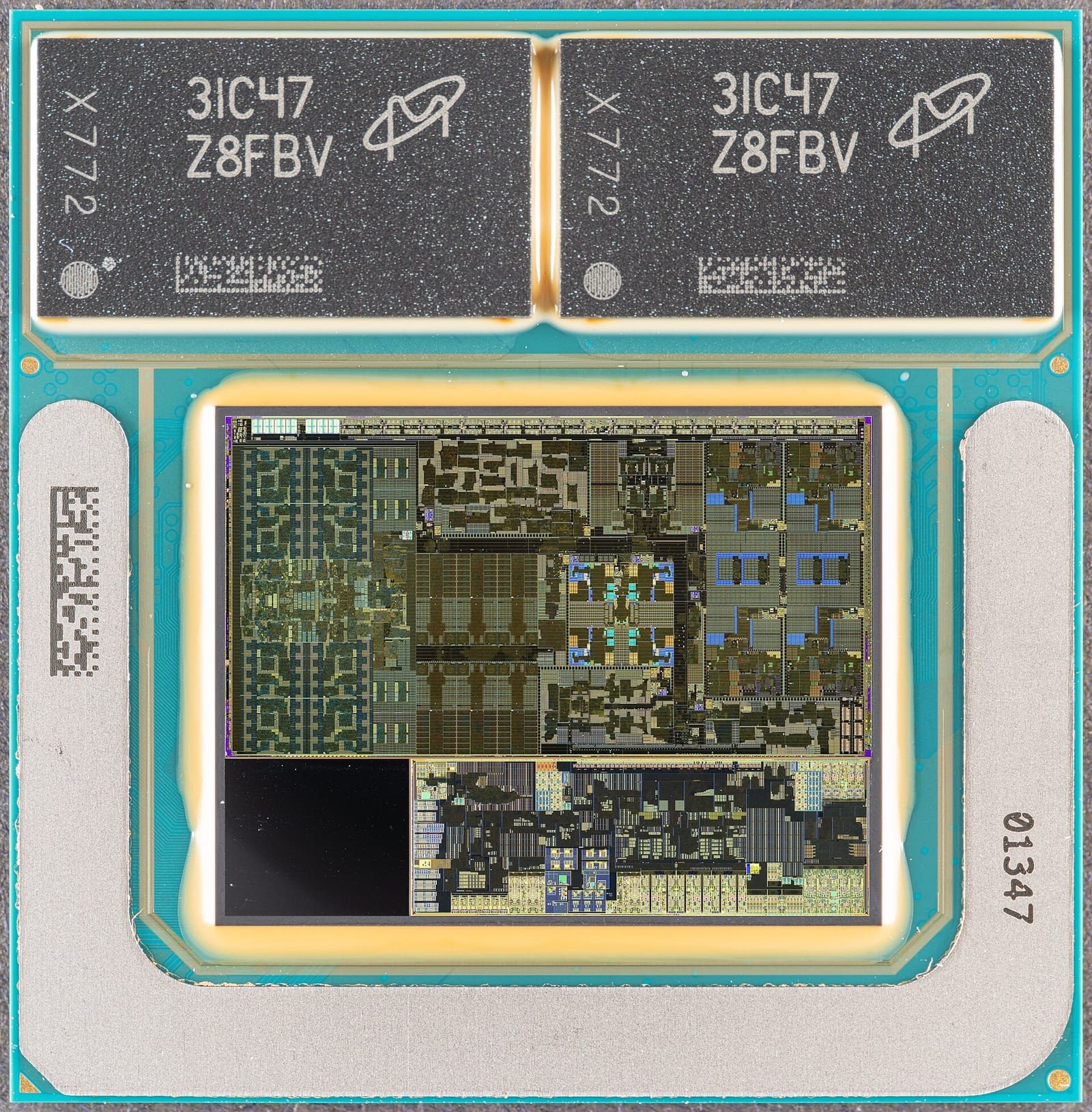
Phones and laptops include neural processing units (NPUs) designed to run neural networks efficiently, alongside GPUs and CPUs. Models are made small enough through compact architectures, distillation from larger models and quantization to few bits per weight.
Examples:
- Apple described its on-device foundation model, a roughly 3-billion-parameter language model, in its 2024 paper on Apple Intelligence foundation models, with a larger server model running in what Apple calls Private Cloud Compute for harder requests.
- Google offers Gemini Nano, an on-device model that Android apps can use for tasks such as summarization and smart replies on supported phones.
See what an NPU is for the hardware side.
What typically runs on the device
- speech recognition and dictation;
- photo processing, object removal and search in your photo library;
- notification and message summaries;
- smart replies and writing suggestions;
- translation for supported languages;
- accessibility features such as live captions and screen descriptions.
What typically goes to the cloud
- long or complex writing and reasoning;
- questions that need web search or current information;
- large image and video generation;
- assistant conversations powered by frontier models.
Many systems use a hybrid approach: try on-device first, and send the request to the cloud when the task is too large — sometimes asking permission first.
Privacy: what to check
- Settings: many phones show which features use on-device processing and let you turn cloud features off.
- Prompts before sharing: some assistants ask before sending a request to a third-party model.
- Company policies: look for commitments that cloud requests are not stored or used for training.
- Third-party apps: an app’s own AI features may send data to its servers regardless of the phone maker’s approach.
Trade-offs
On-device models are smaller and less capable than cloud models, can drain battery during heavy use, and require recent hardware, so older phones may not get the newest features. Expect the boundary to move as chips gain memory and small models improve — see small language models.
A quick privacy check for your phone
- Open your phone’s AI or assistant settings and look for options about on-device processing or cloud features.
- Check whether the assistant asks before sending requests to an external model, and enable that prompt if available.
- Review which apps have microphone, photo and notification access — AI features often rely on them.
- For sensitive tasks such as health notes or confidential work, prefer features that run on the device or approved enterprise tools.
What developers should know
On-device models let apps add AI features without server costs or sending user data away, but they vary across devices. Developers typically detect whether a capable on-device model is available, fall back to a cloud API when it is not, and tell users which path is used.
What to watch next
- More capable small models on phones and laptops.
- NPUs with more memory and bandwidth in consumer devices.
- Clear labelling of on-device versus cloud processing.
- Developer APIs for on-device models across platforms.
Key takeaways
- On-device AI offers privacy, speed, offline use and lower cloud costs.
- NPUs, distillation and quantization make small models practical on phones.
- Apple and Google both pair on-device models with cloud models for harder tasks.
- Speech, photos, summaries and smart replies often run locally; complex tasks go to the cloud.
- Check settings and policies to see when your data leaves the device.
Frequently asked questions
Does on-device AI work without internet?
Features that run fully on the device do; anything needing the cloud or web search does not.
Is on-device AI more private?
Generally yes, because data stays on the phone, but check which features send requests to the cloud.
Why don’t older phones get AI features?
On-device models need enough memory and a capable NPU, which older devices may lack.